
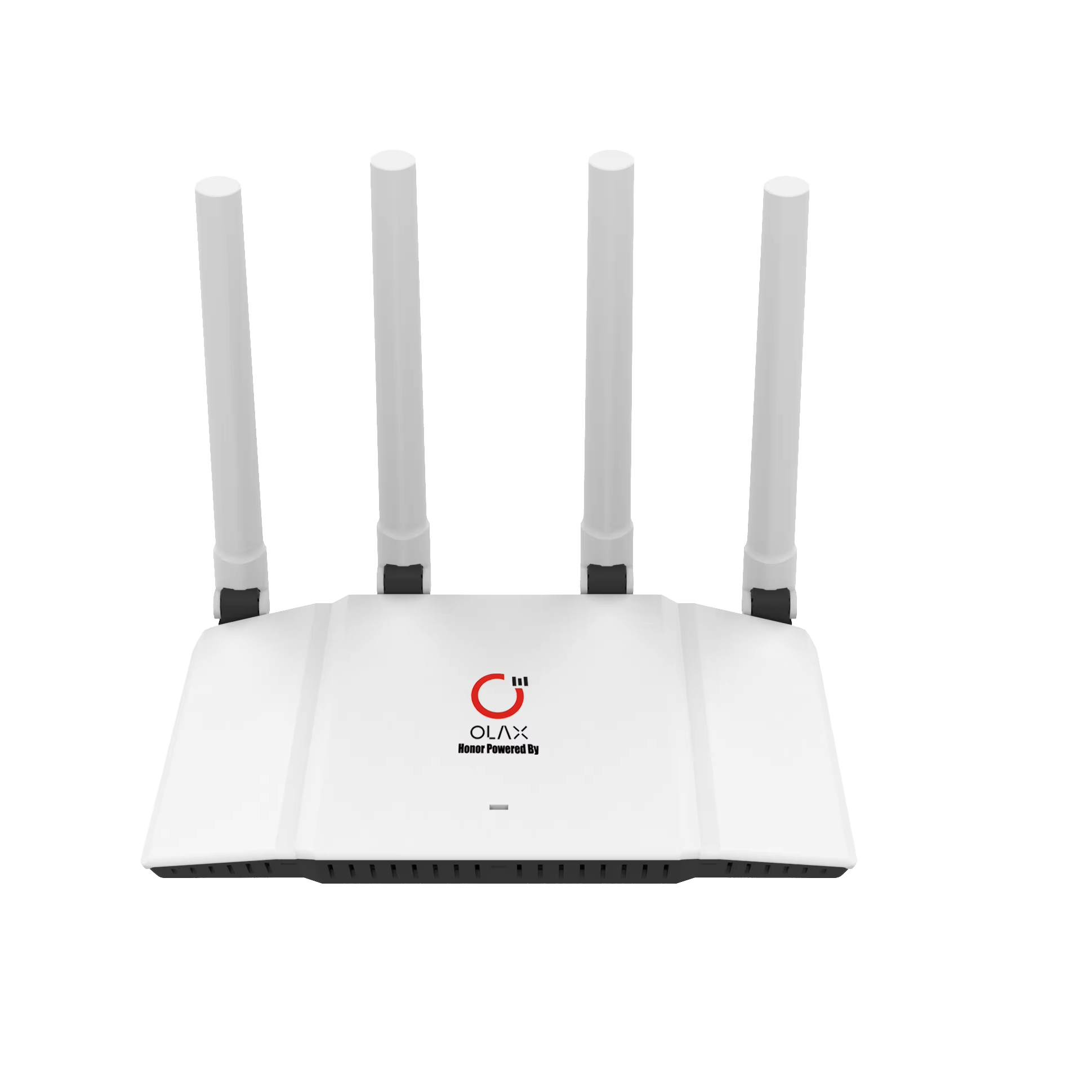
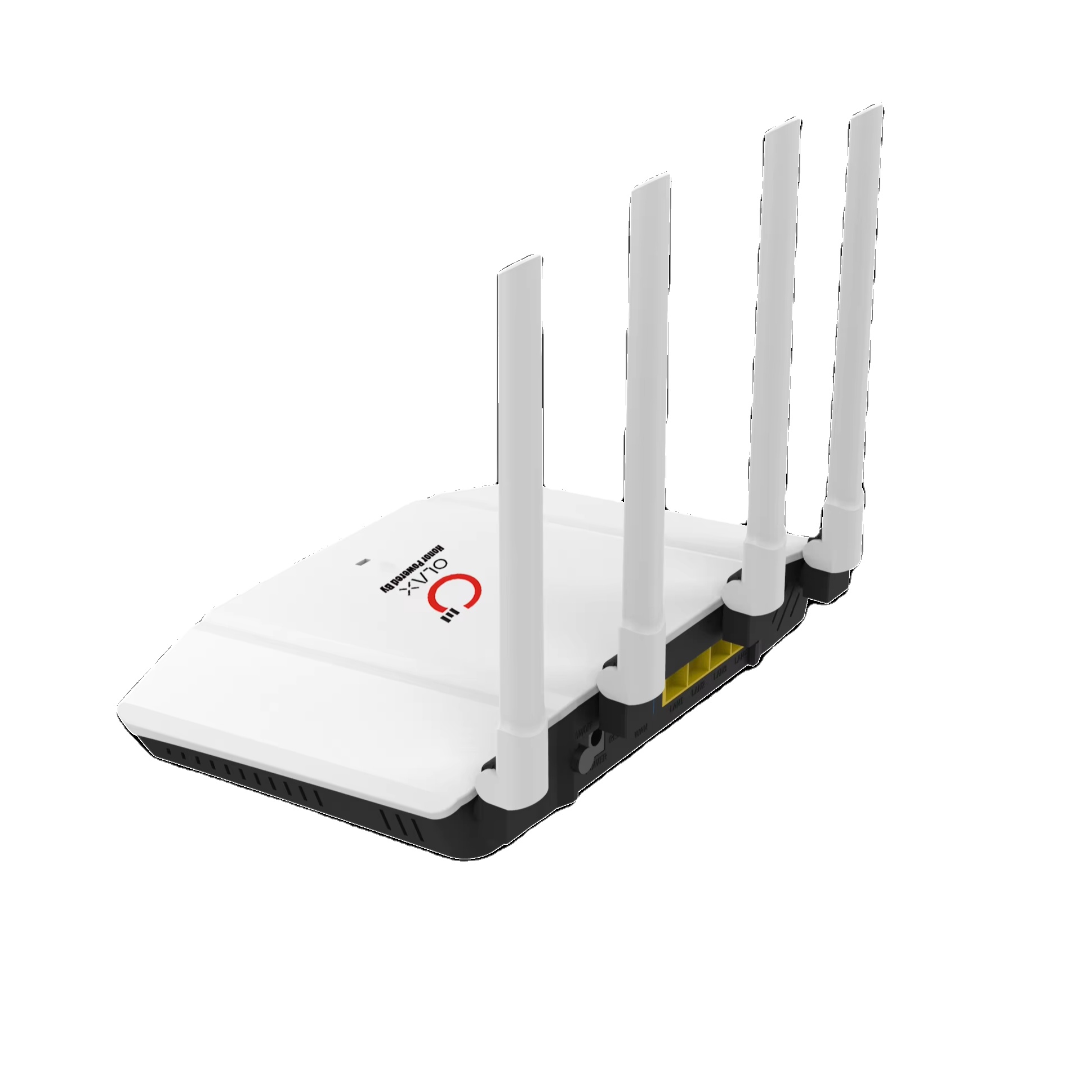
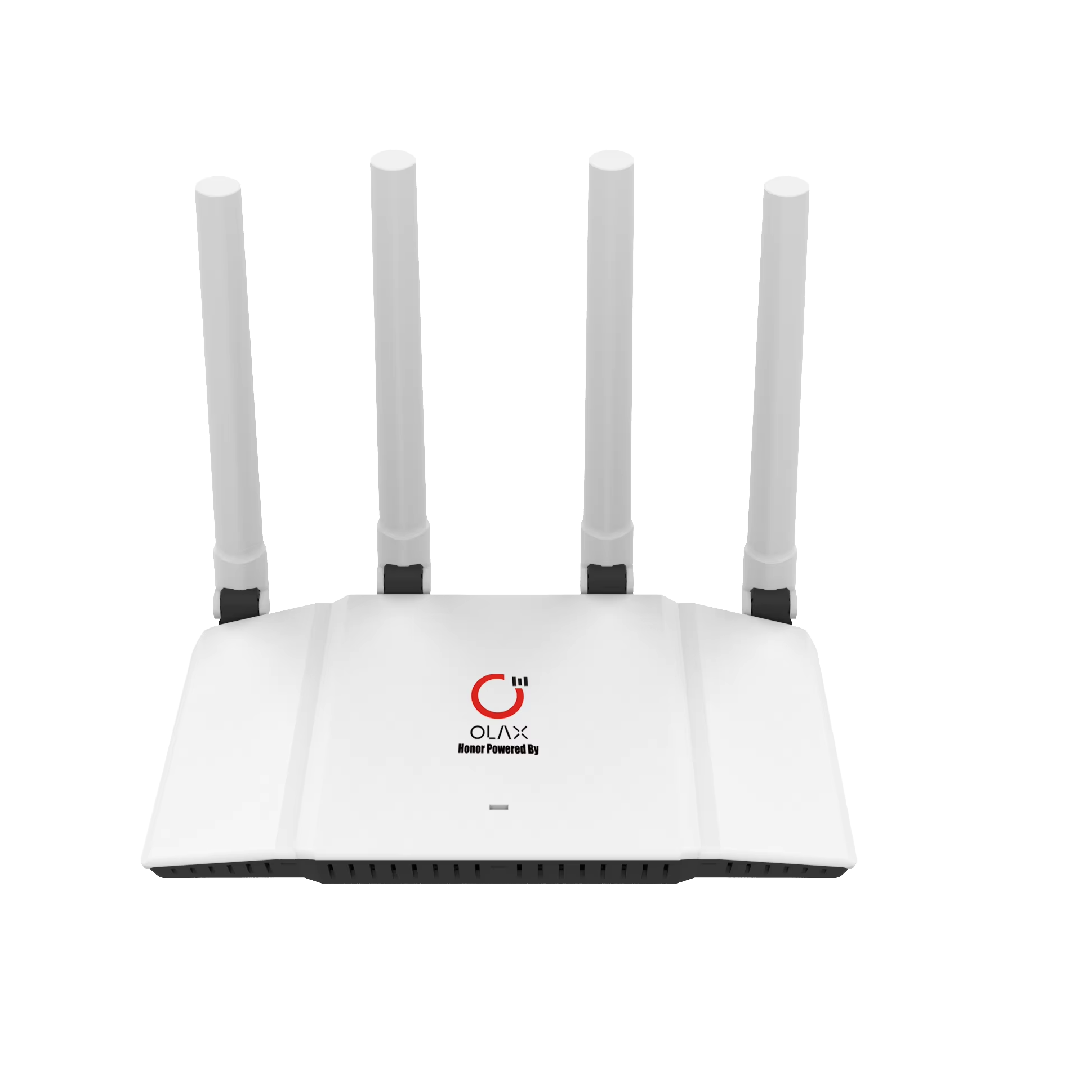
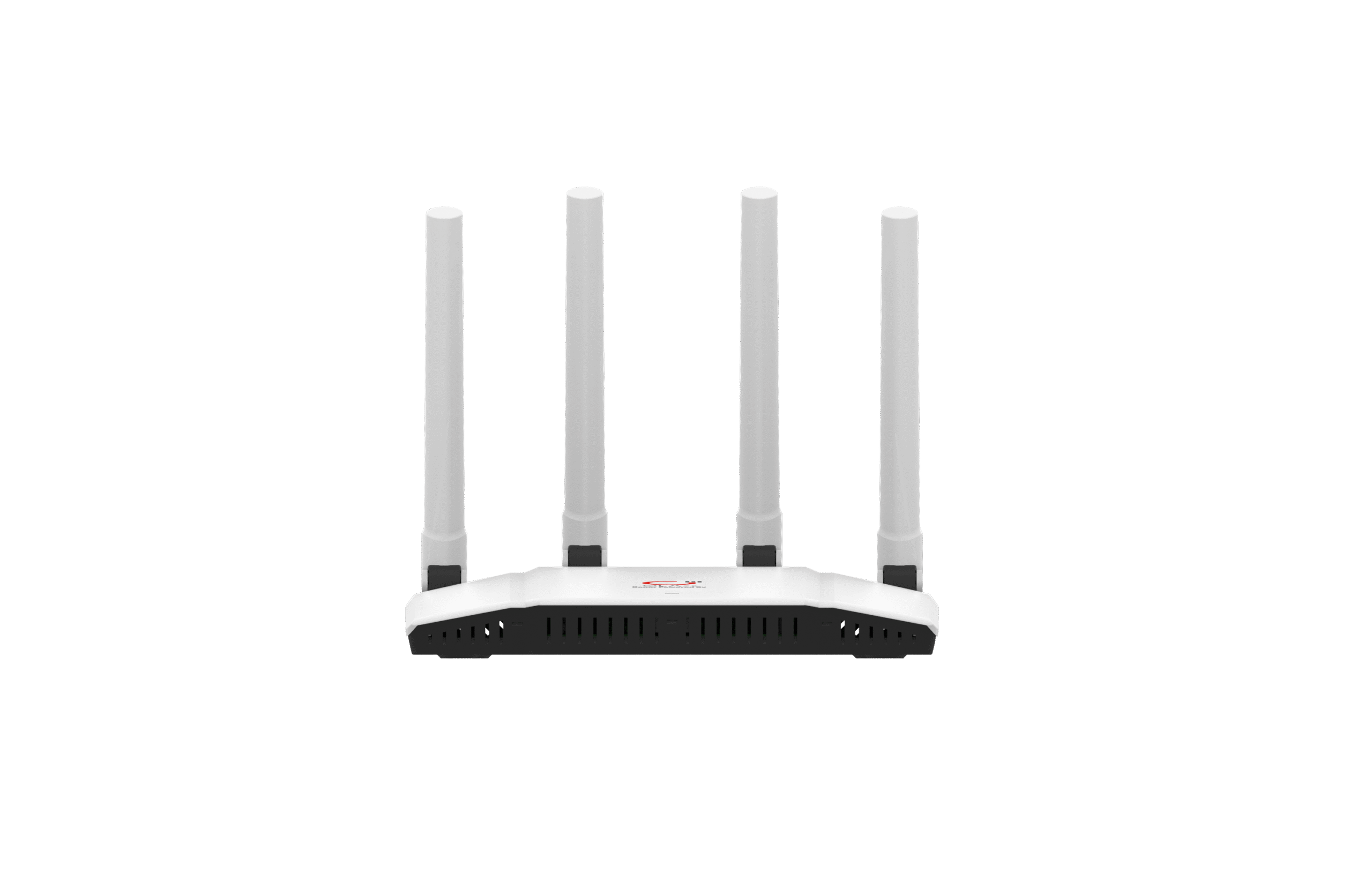
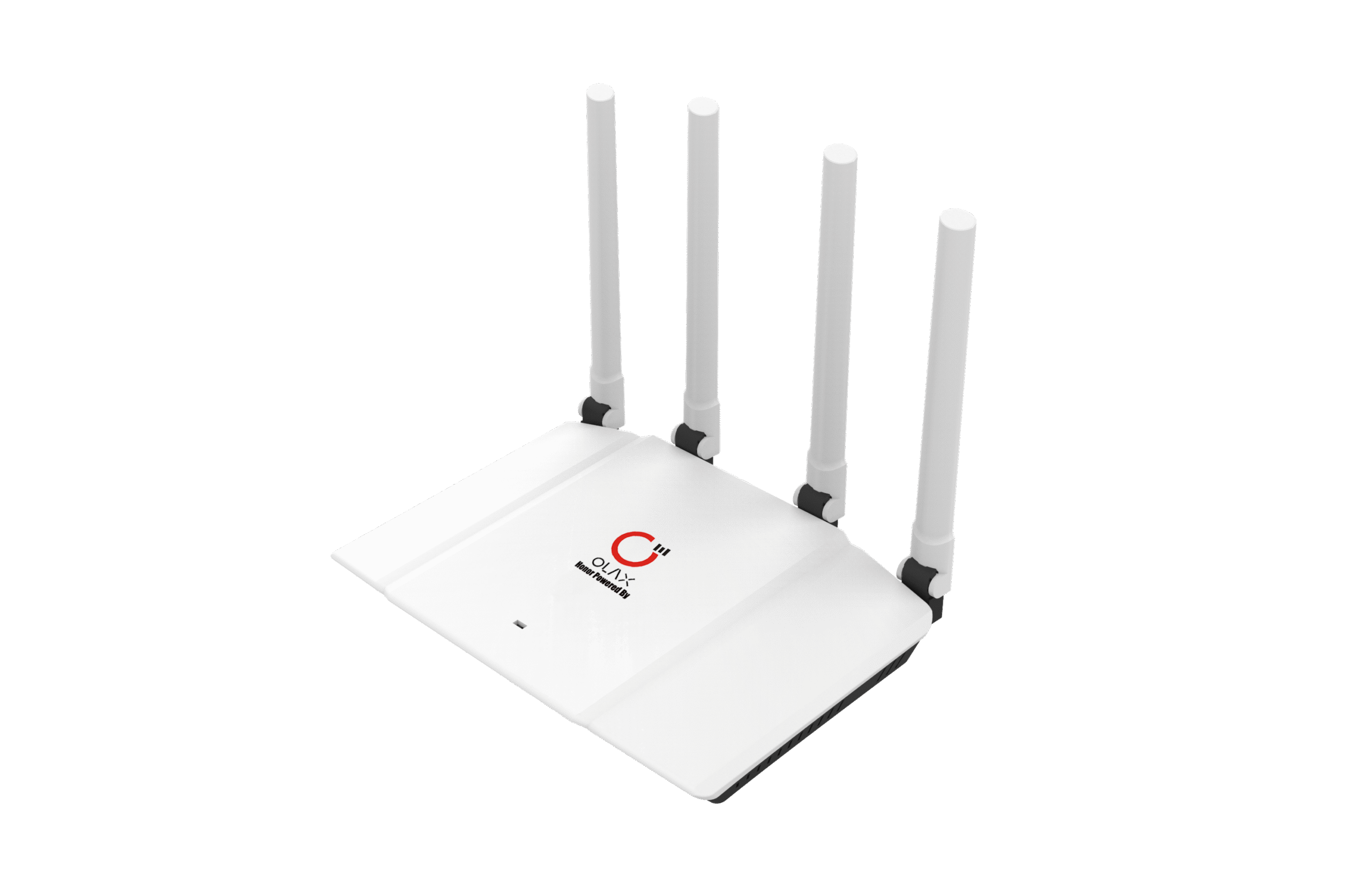
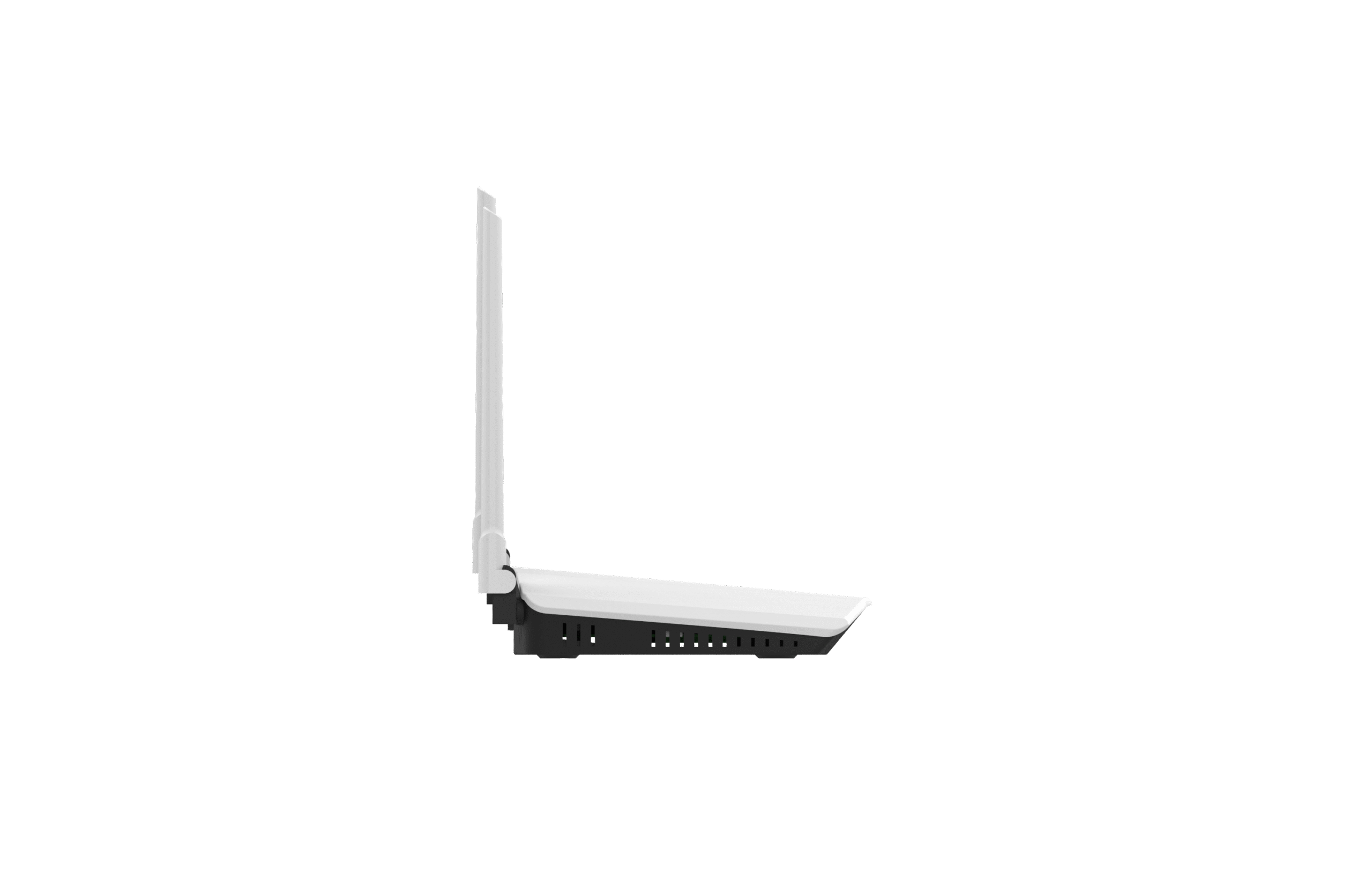
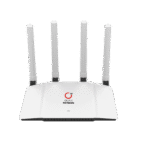
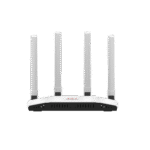
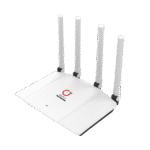
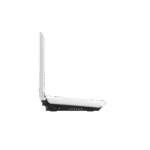


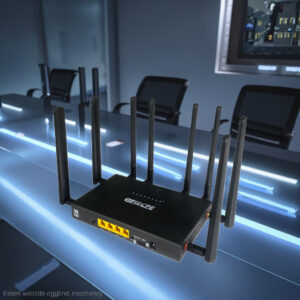
Unlock a smarter, faster home network with the OLAX Mesh 6 Home Router — a WiFi 6‑ready, dual‑band solution built for modern households. Whether you’re streaming HD video, gaming online, working from home, or connecting multiple smart devices, this router is designed to keep you connected and in control.
Key Features & Benefits:
-
Dual‑Band WiFi 6 Performance (AX1800): The router supports the next‑generation WiFi standard (802.11ax) delivering combined speeds of up to ~1800 Mbps across the 2.4 GHz and 5 GHz bands. For example, many units advertise ~574 Mbps on 2.4 GHz + ~1201 Mbps on 5 GHz.
-
Mesh Networking Capability: Built to support mesh setups (expandable via additional nodes) so you can eliminate WiFi dead zones and enjoy seamless roaming coverage throughout your home.
-
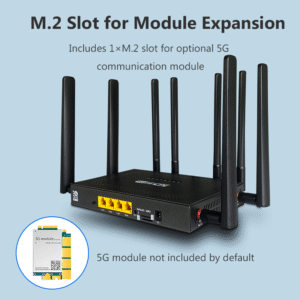
Indoor Use with Gigabit WAN/LAN Ports: Equipped with at least one WAN port and multiple LAN ports (often 4 × Gigabit) allowing for high‑speed wired connections (smart TVs, gaming consoles, PCs) and reliable backhaul for mesh nodes.
-
Enhanced Coverage & Stability: The router often includes multiple high‑gain external antennas and uses WiFi 6 features such as OFDMA, MU‑MIMO, BSS Colour to improve capacity when many devices are connected.
-
Advanced Security & Features: Expect support for modern encryption standards like WPA3, guest networks, parental controls, IPv6, and sometimes EasyMesh or similar protocols for compatibility across nodes.
Why This Router Is a Smart Choice:
-
Great for homes with many connected devices (smartphones, tablets, smart‑home gadgets, streaming units) — WiFi 6 means better performance under load.
-
Mesh capability makes it future‑proof if you later add more nodes to extend coverage to larger homes or multiple floors.
-
The combination of wired and wireless connectivity gives flexibility — you’re not forced to rely solely on wireless for performance‑sensitive devices.
-
A good value option for a premium feature set (WiFi 6 + mesh + Gigabit ports) without stepping into ultra‑high‑end price brackets.
Things to Check / Consider Before Buy:
-
Verify that your internet service plan and home gateway/modem can deliver speeds that match or benefit from this router’s capacity. If your ISP speed is low (e.g., <200 Mbps), you may not utilise full potential.
-
Confirm the number of LAN ports, and whether you’ll need more than what’s supplied (or be okay using a network switch).
-
For best mesh performance, add compatible nodes or ensure your environment (walls, distance) allows strong signal between nodes.
-
Ensure firmware updates are available and that you’re willing to occasionally check for them — WiFi 6 equipment can benefit from updates for stability and security.
-
Placement matters: While the router is strong, optimal performance still depends on central placement and minimal interference.














There are no reviews yet.