
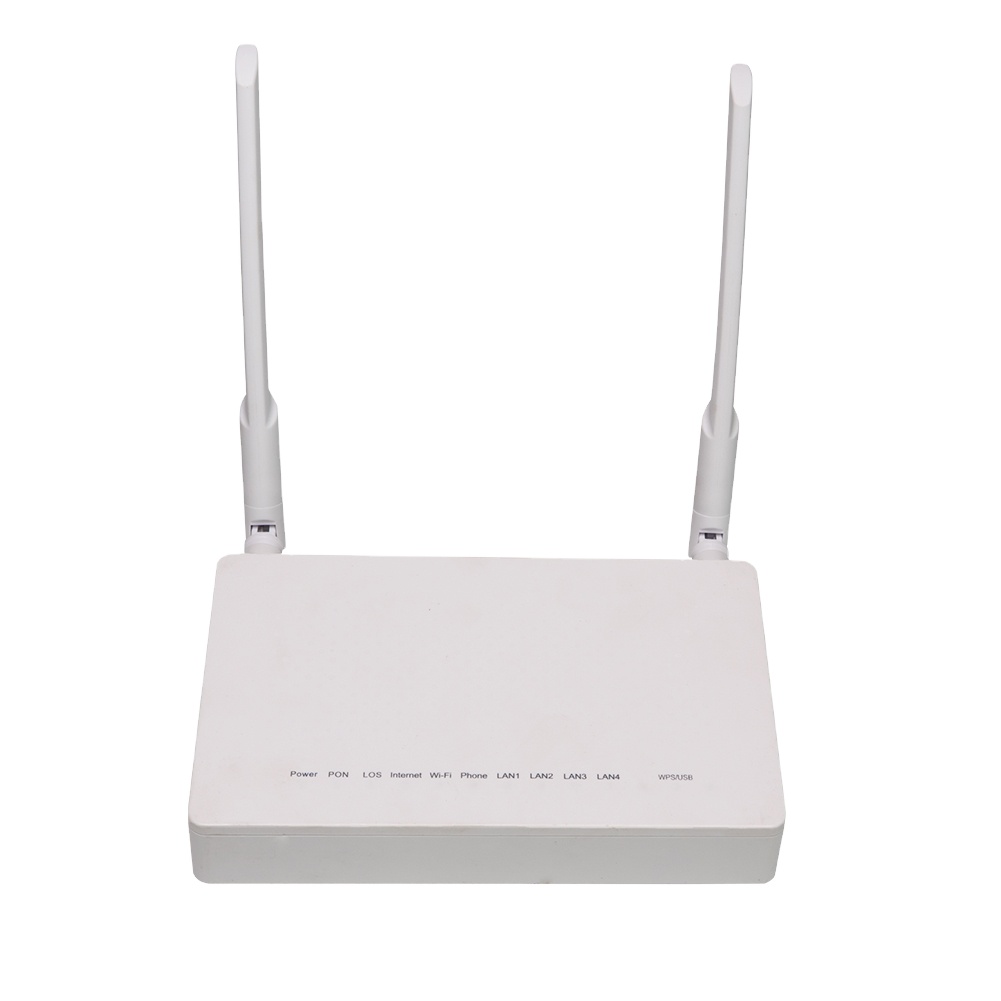
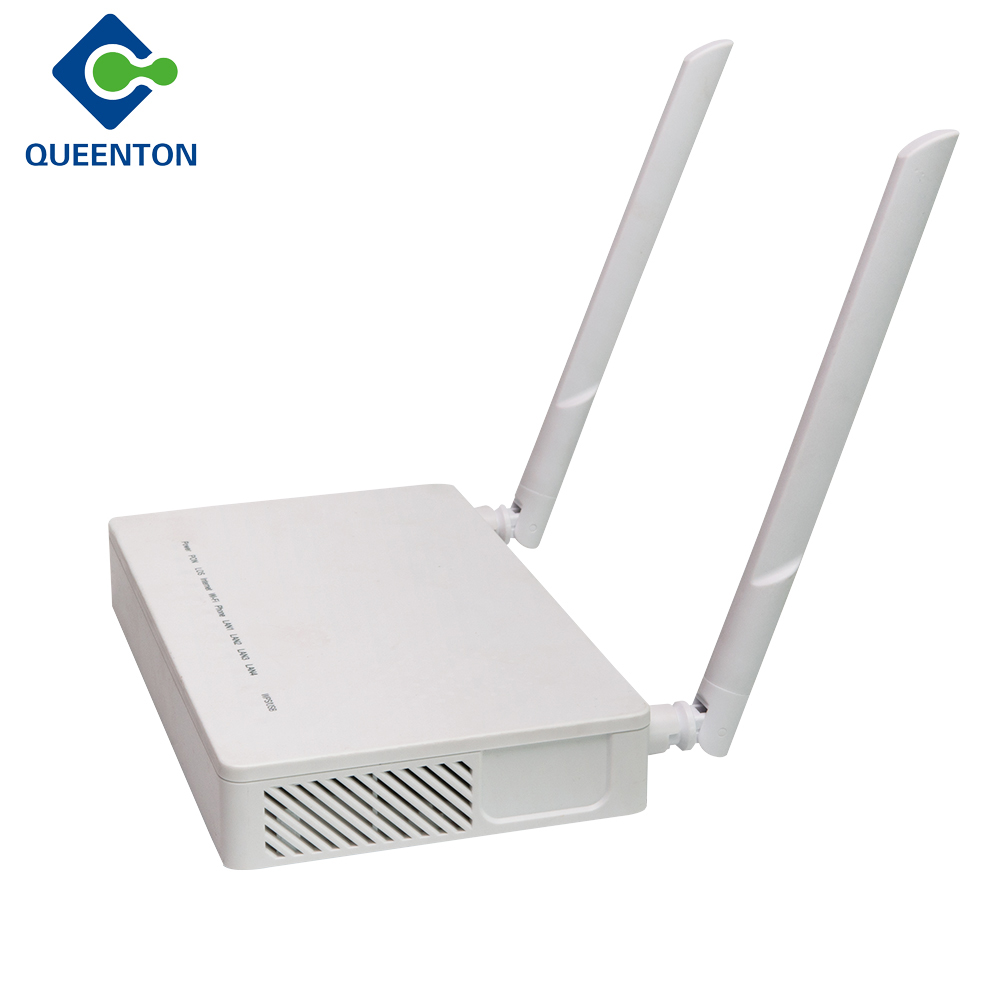
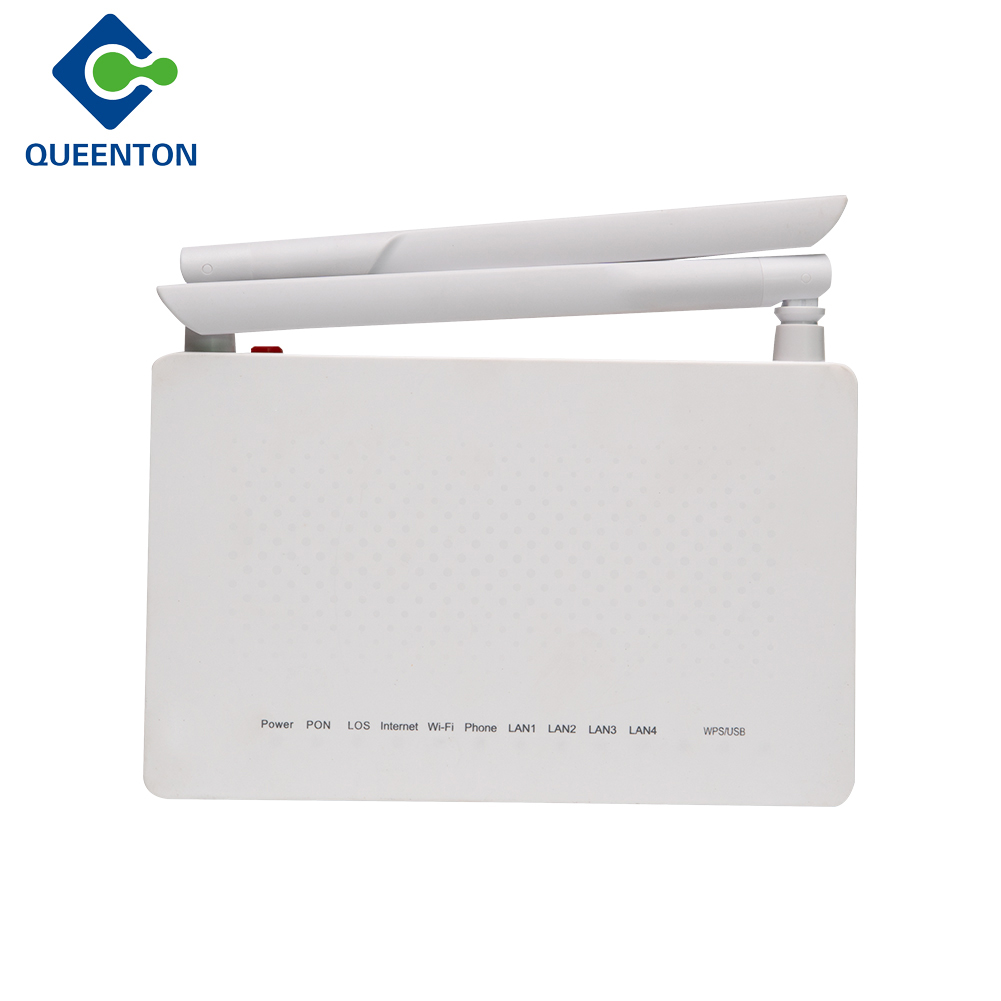
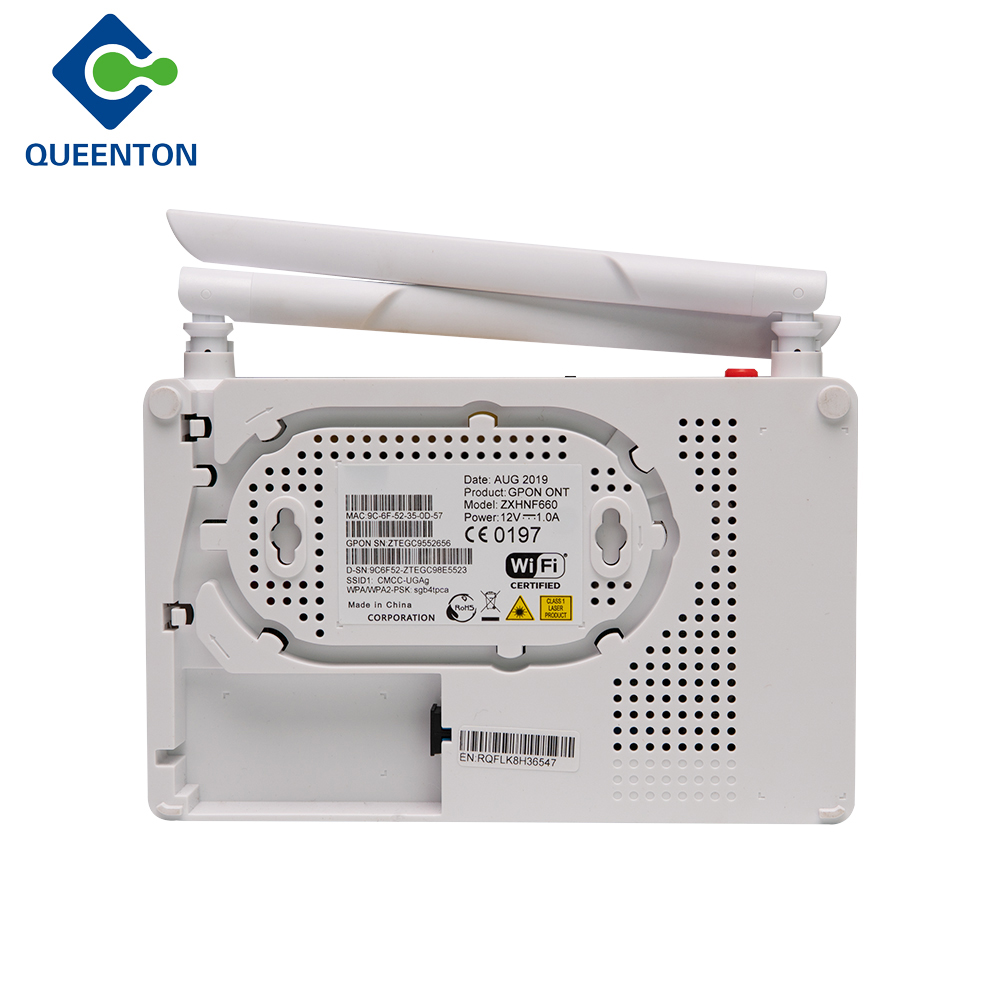
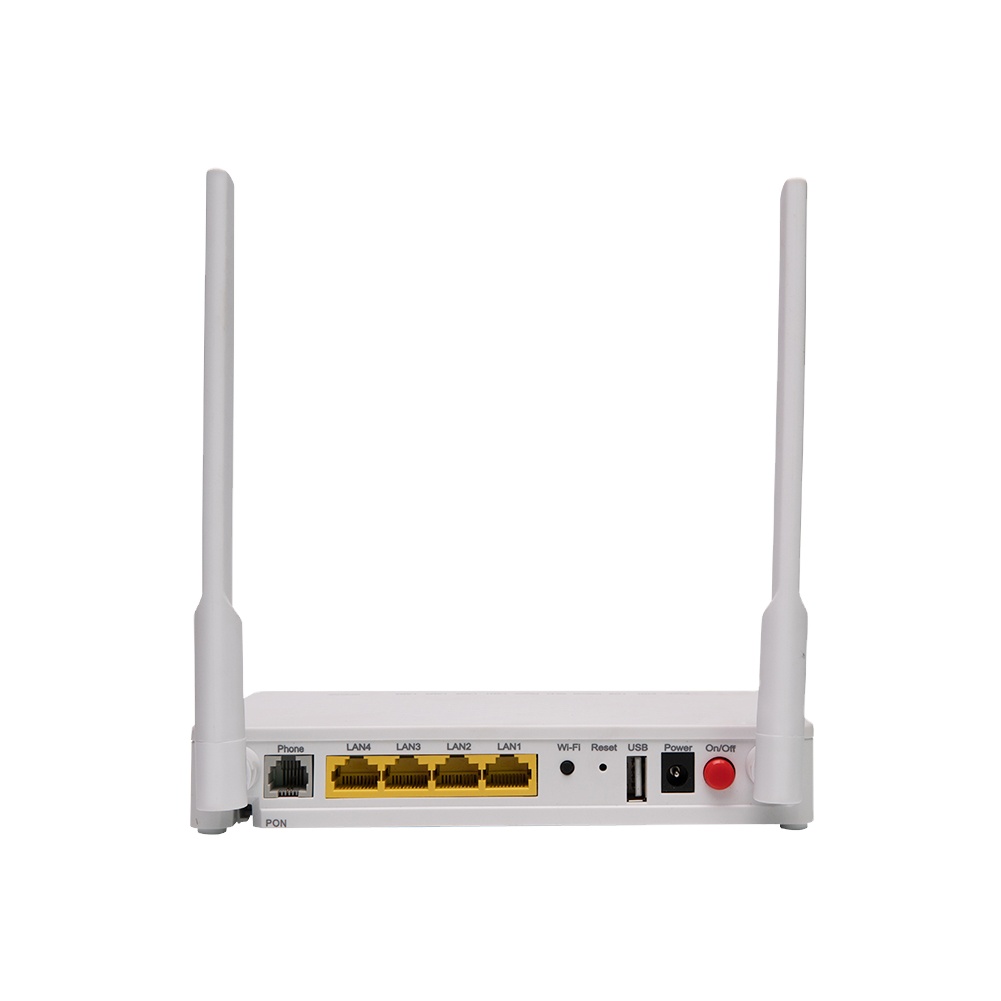
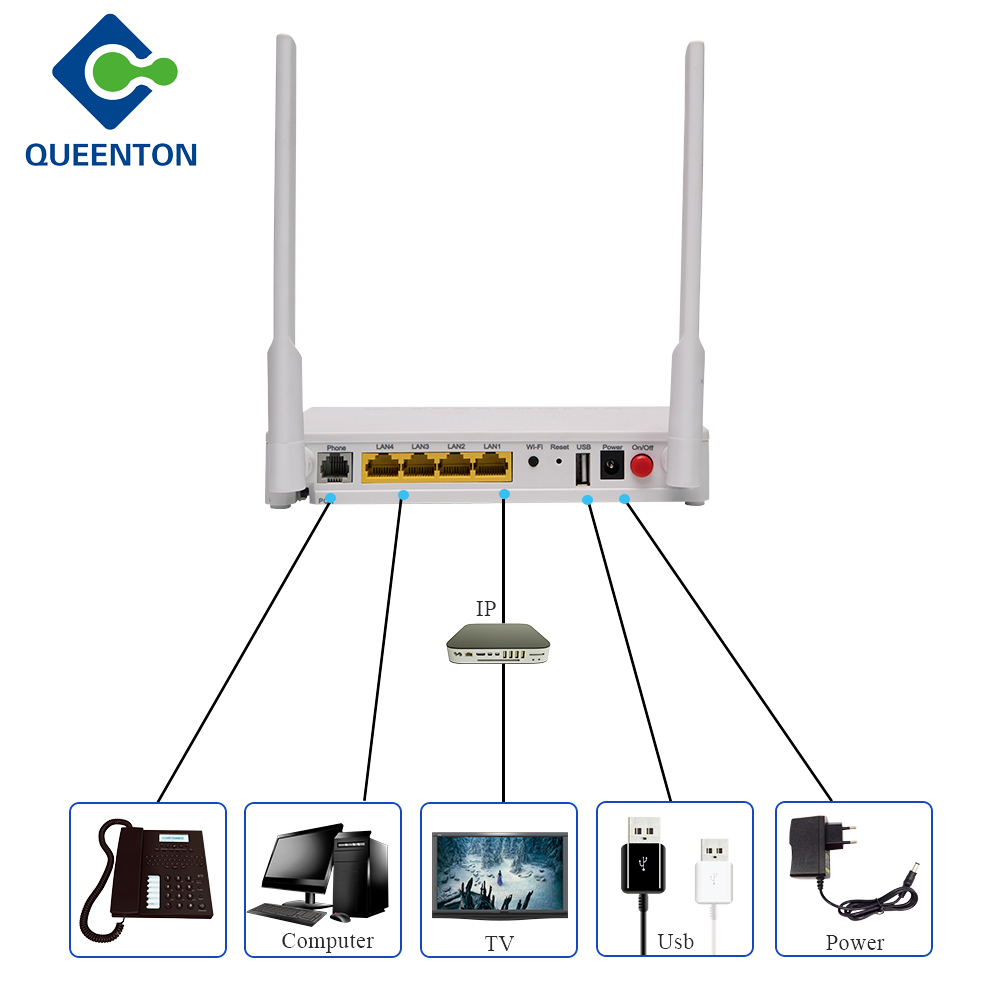
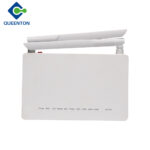
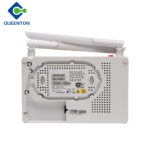
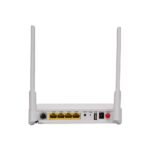
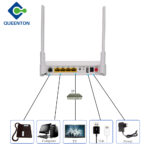


Introducing the ZTE F660 (English version) — a multi‑service gateway designed to support modern fiber‑to‑the‑home (FTTH) networks with a well‑rounded set of ports and features. With one gigabit Ethernet port (1GE), three standard Ethernet ports (3FE), one TEL port for voice services, one USB port for media/file sharing, plus dual‑band WiFi (with external 5 dBi antenna) this device covers wired, wireless and voice connectivity in one compact unit.
Key Features & Benefits:
-
Wired connectivity: The 1GE port allows high‑speed wired connection (ideal for a main PC, NAS or streaming device), while the additional 3FE ports support legacy Ethernet devices.
-
Voice support: The TEL (voice) port allows integration of a telephone line (VoIP) so you can connect a standard phone and use your broadband provider’s voice service through the same unit.
-
USB port: For sharing a USB storage device or printer across your network (depending on firmware support) offering home‑network convenience.
-
WiFi with external antenna: The external 5 dBi antenna improves wireless range compared with integrated‑antenna units, giving better coverage in your home. The built‑in WiFi supports 2.4 GHz (and possibly 5 GHz depending on version) so devices like smartphones, tablets and laptops can connect wirelessly.
-
Multi‑service gateway: While primarily described for FTTH (GPON ONT) use, it acts as your router + gateway + WiFi access point + VoIP device all in one. For example, the specification sheet lists support for 1 GE + 3 FE + 1TEL + USB + WiFi.
-
Strong optical specifications: For fiber service deployments, it supports downstream/upstream speeds typical of GPON: e.g., downstream ~2.5 Gbps, upstream ~1.25 Gbps in some versions of the F660.
-
English firmware: This version is emphasised as “English Version”, meaning menus and setup are in English which makes it convenient for general‑home‑user installation rather than ISP‑locked foreign‑language firmware.
Why This Product Is a Good Choice:
-
It consolidates multiple functions into one device: wired internet access, wireless access, voice service + USB sharing.
-
The external antenna boosts WiFi coverage, especially useful if your home has thicker walls or requires better signal strength.
-
With both gigabit and fast ethernet ports you have flexibility for high‑speed devices and older legacy gear.
-
The included TEL port means you don’t need a separate voice adapter — everything is in one box.
-
English firmware means easier configuration without language barrier.
-
Particularly suitable if you have a fiber connection and want a single gateway solution rather than stacking multiple devices.
Things to Consider / Tips Before Purchase:
-
WiFi band support: Check whether the WiFi supports only 2.4 GHz or also 5 GHz in the exact model — many versions of this router (especially older) may only support 2.4 GHz wireless, which may limit speed if you have high‑speed internet. For optimal performance you ideally want dual‑band (2.4 GHz + 5 GHz). Some user reports indicate the F660 underperforms on WiFi.
-
Wired network speeds: The single gigabit port is good, but the three FE ports are 10/100 Mbps only—if you plan to connect many high‑speed wired devices, you may need to connect those high‑throughput ones to the 1GE port or consider adding a gigabit switch.
-
Voice service setup: If you plan to use the TEL port for voice/VoIP, confirm your ISP supports it and you have the necessary provision (SIP account etc).
-
USB port usability: USB sharing features depend on the firmware — check what you can actually do (network file sharing, printer sharing, DLNA etc).
-
Coverage & placement: Although the external 5 dBi antenna helps, WiFi range still depends on your home layout, interference and number of obstacles — positioning central and elevated helps.
-
Firmware & future support: Check that the firmware version is up to date and that you can update it; older firmware may have security or stability issues.
-
If you have very high speed fibre (e.g., >300 Mbps): Ensure the router’s wired/wireless pipeline supports it — since older WiFi only 2.4GHz may bottleneck wireless; for full gigabit wireless you might need a newer WiFi 5 or WiFi 6 router.














There are no reviews yet.